Claude
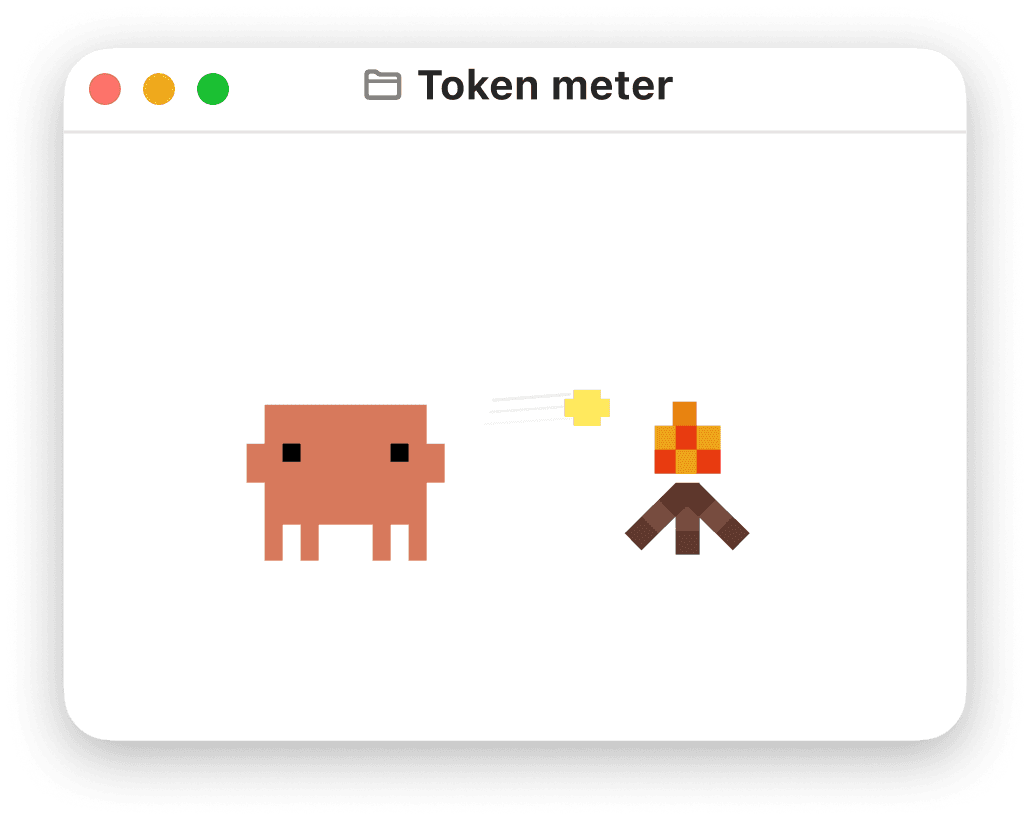
Token Meter
When interacting with Claude, users uses tokens as the “fuel” source. The system has a limited on how many tokens users can use in a set amount of time period.
Once a user hits the usage limit, the model comes to a halt until the usage resets
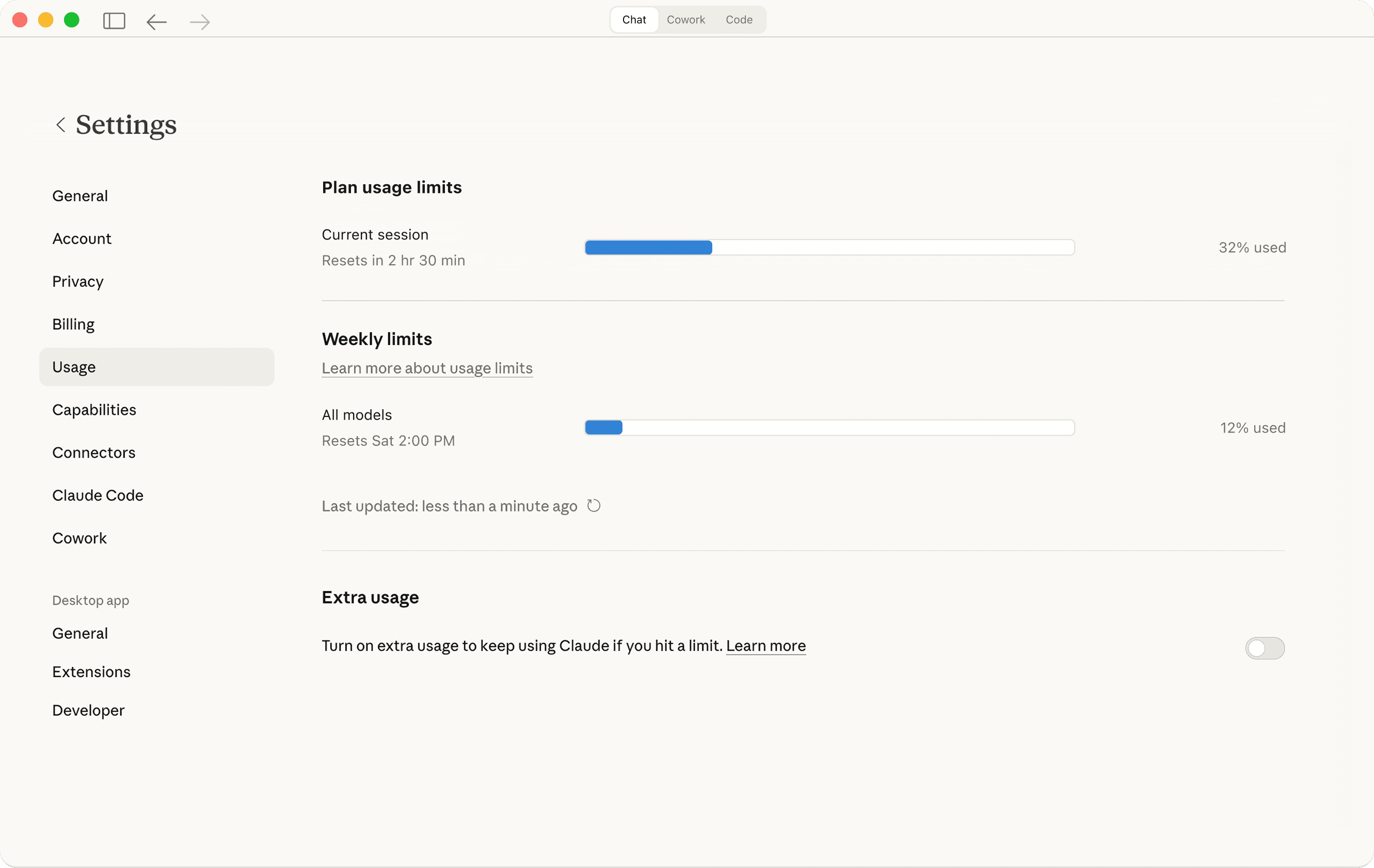
Which nudges users to constantly eye on the usage limit
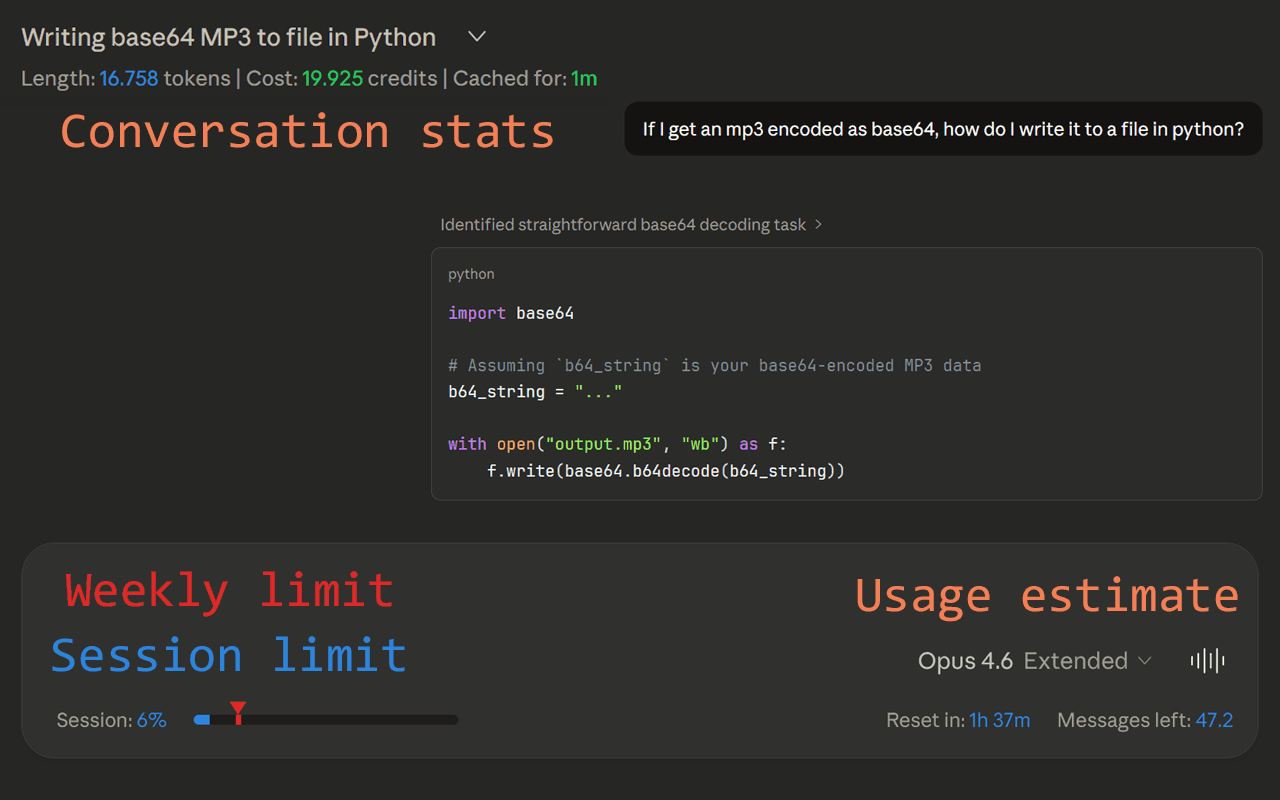
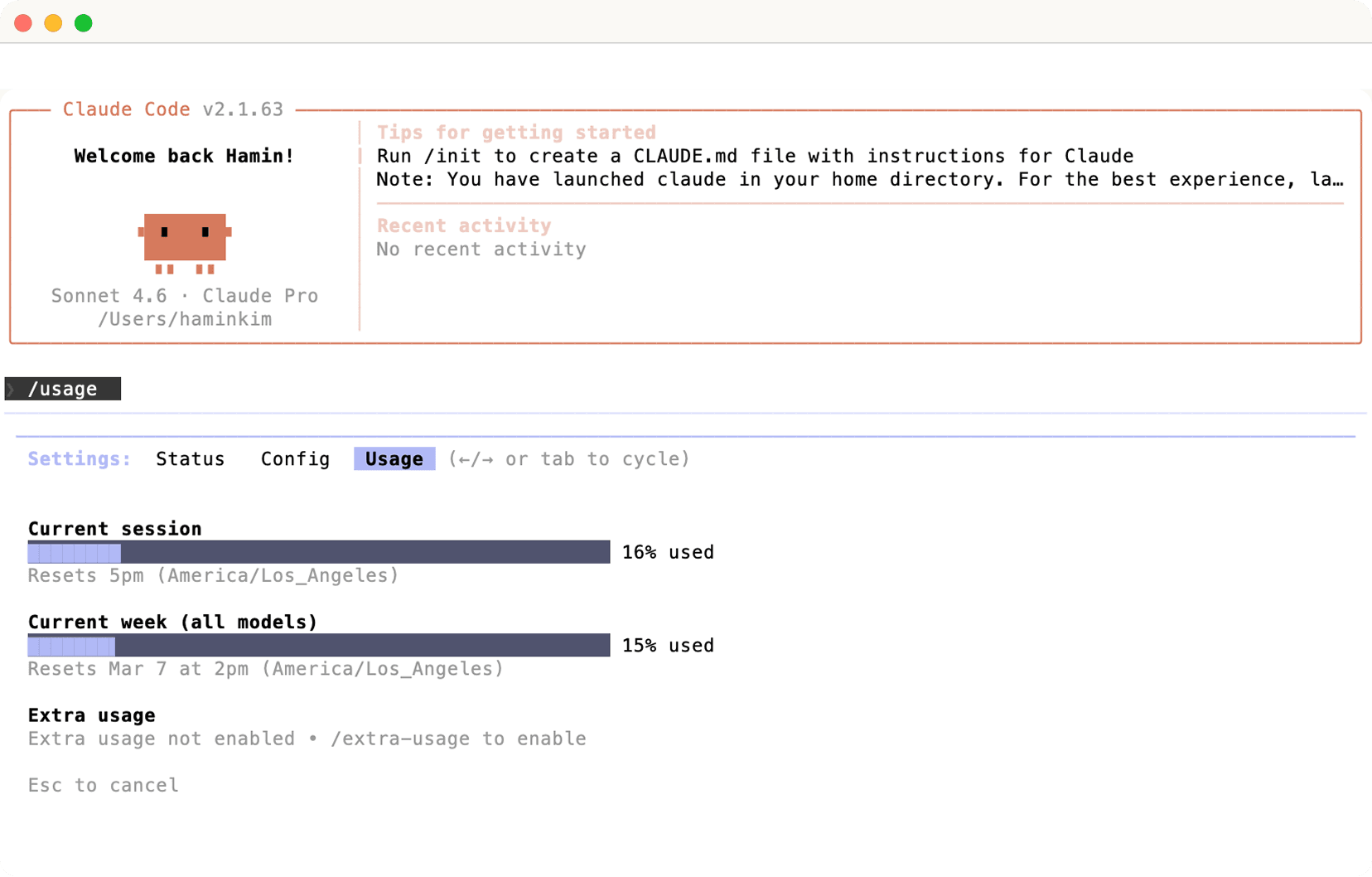
All of these options require some sort of repetitive user input to monitor the usage.
Users say…
The problem
The usage monitoring doesn’t have the correct amount of information transparency.
How might we display token usage for user in order to increase information transparency?
But what is the right amount of information transparency?
Low
Current
High
The current UI buries usage information in a menu. Notifications only appear at certain thresholds (e.g. 90% used), leaving users in the dark until they're nearly out.

Imagine driving without a fuel gauge, only to get a warning when you're nearly empty. Keeping a usage meter visible in the default UI gives users the transparency they need and removes the frustration of not knowing how much they have left.
Addressing the problem
Boring but fast and easy solution
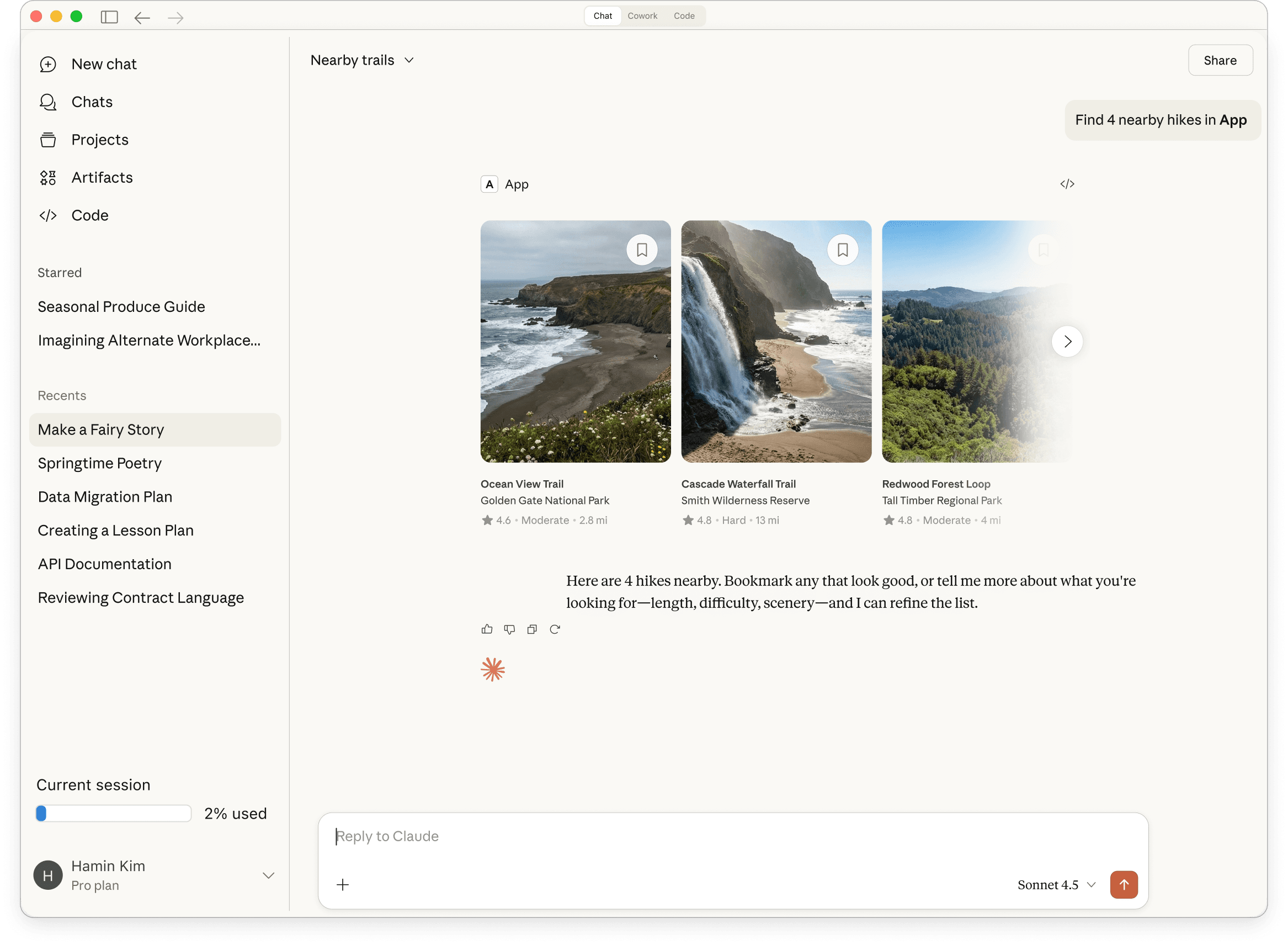
Adding usage meter inside the menu panel that mitigate the additional clicks.
Minimal but informative
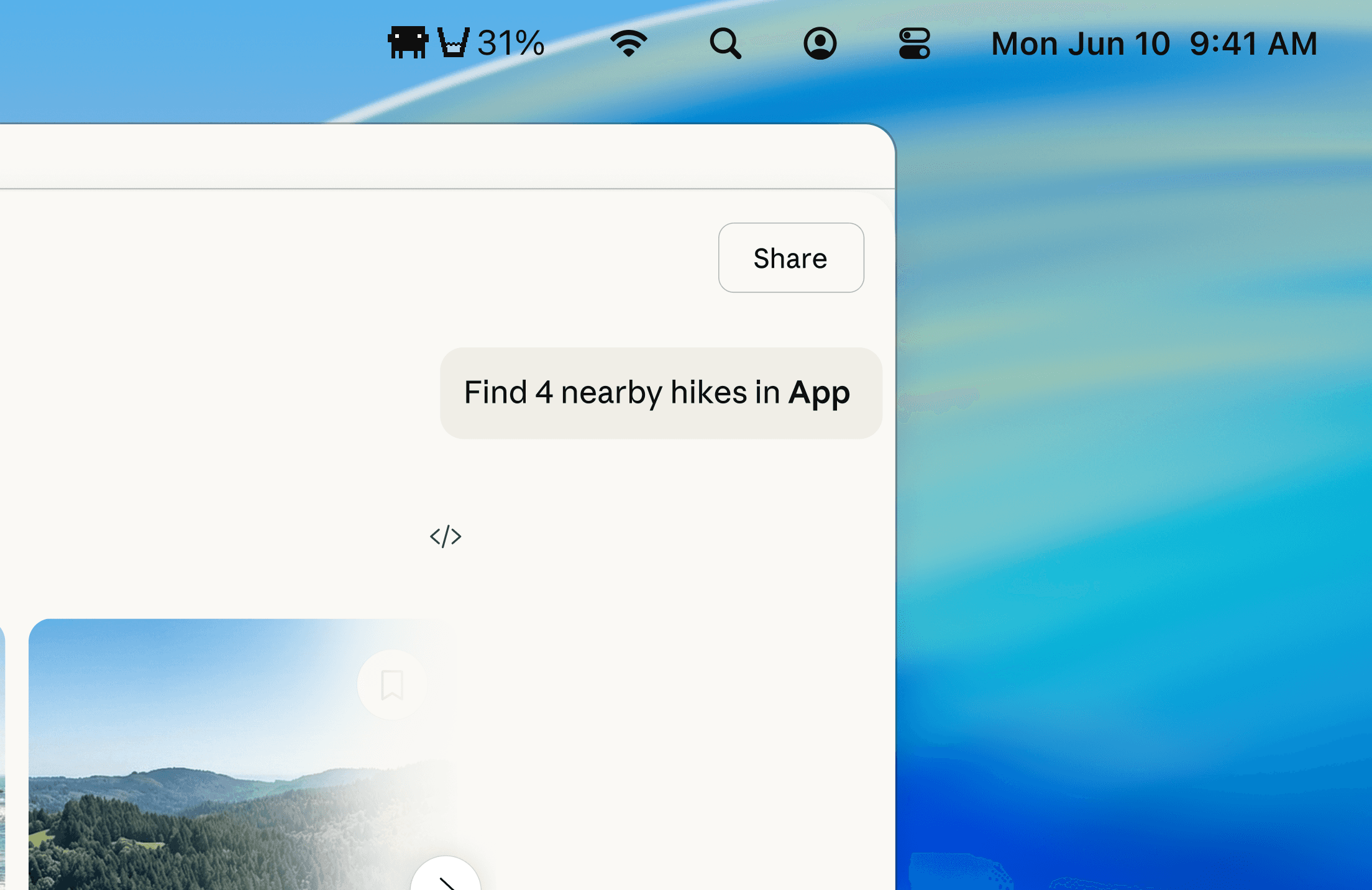
Moving the token meter to the system menu bar to bring a minimalistic view while maintaining the original Claude interface.
The "what you might get" approach
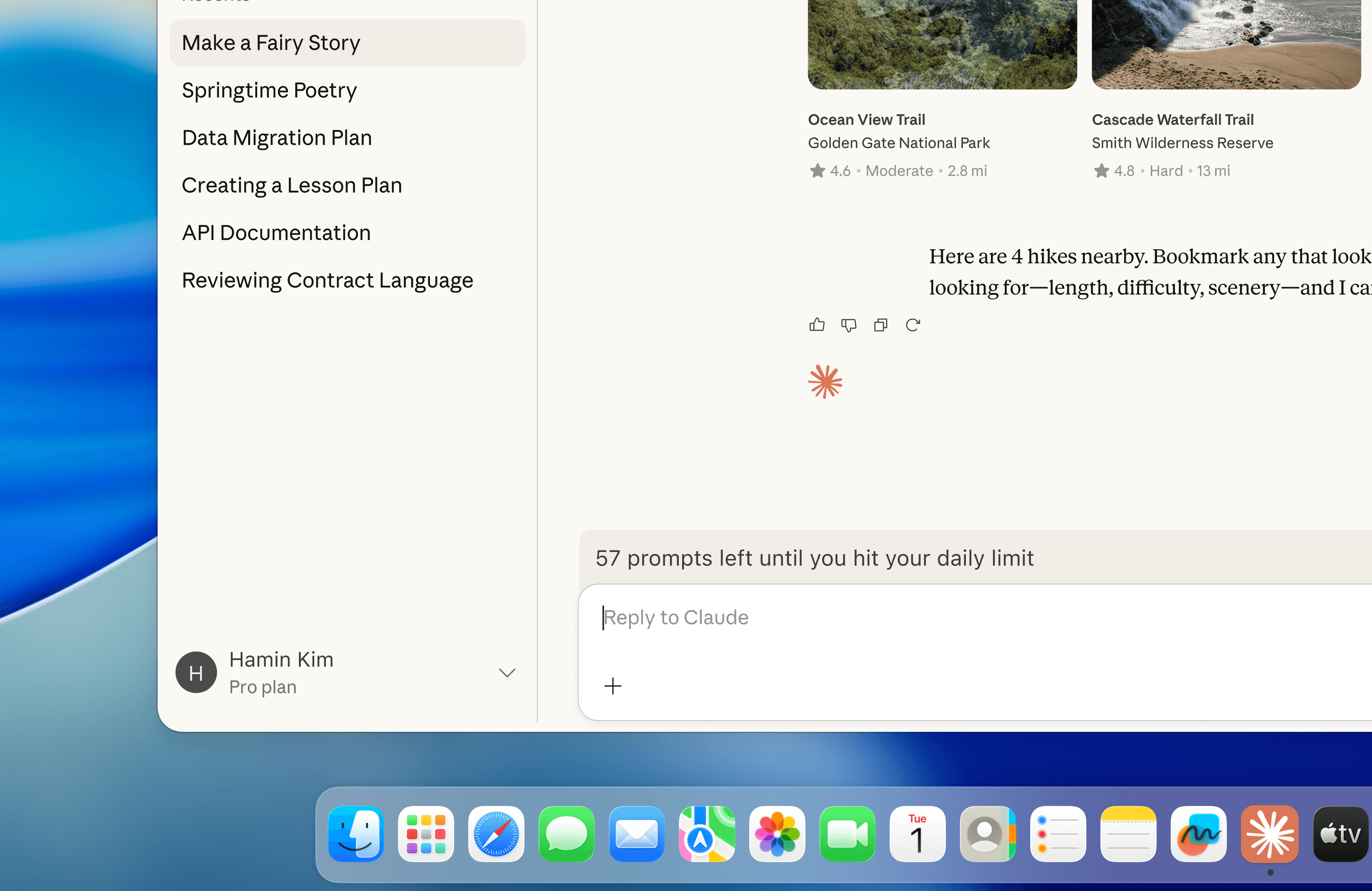
The "what you might get" approach provides users with probability context like driving a car and seeing how many milage range you have left
Refection